Game ServersMinecraft Servers
Player Manager
Learn how to navigate the player manager on our Game Panel.
Currently Playing
When a player is currently online and active inside of your server you will see them come up like this.
[image pending]
Click on the user to manage them. You will see something like this.
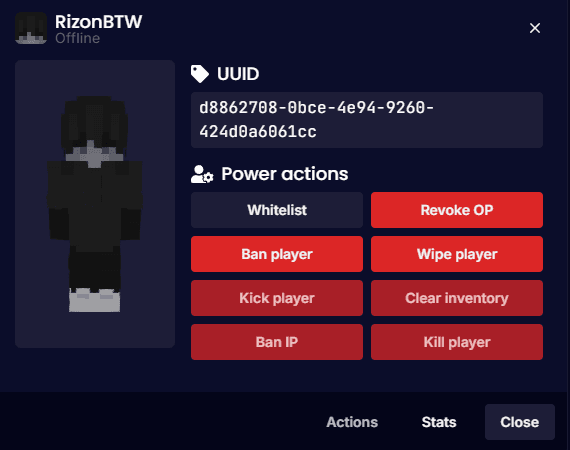
On this screen you can do the following:
- Whitelist the player
- OP or deop the player
- Ban the player
- Wipe the players data
- Kick the Player
- Clear the players Inventory
- Ban the players IP
- Kill the player
Got a suggestion on what commands to add? Reach out to us on discord!